 Conditioning Control Panel
Overview
Normally you set the dials yourself and press START. A session does that part for you. It has a fixed length, a set of features it turns on, and a timeline for when each one comes and goes. You choose a session, it borrows your settings for the duration, and it hands them back when the clock runs out.
Sessions live on the Presets tab, next to your saved presets. They are free for everyone. There is no cap on how many you can make.
Nothing to Configure
The settings are already chosen
It Changes As It Runs
Features come and go on a timeline
Bonus XP
Paid out when you reach the end
Build Your Own
Drag features onto a timeline
Built-in Sessions
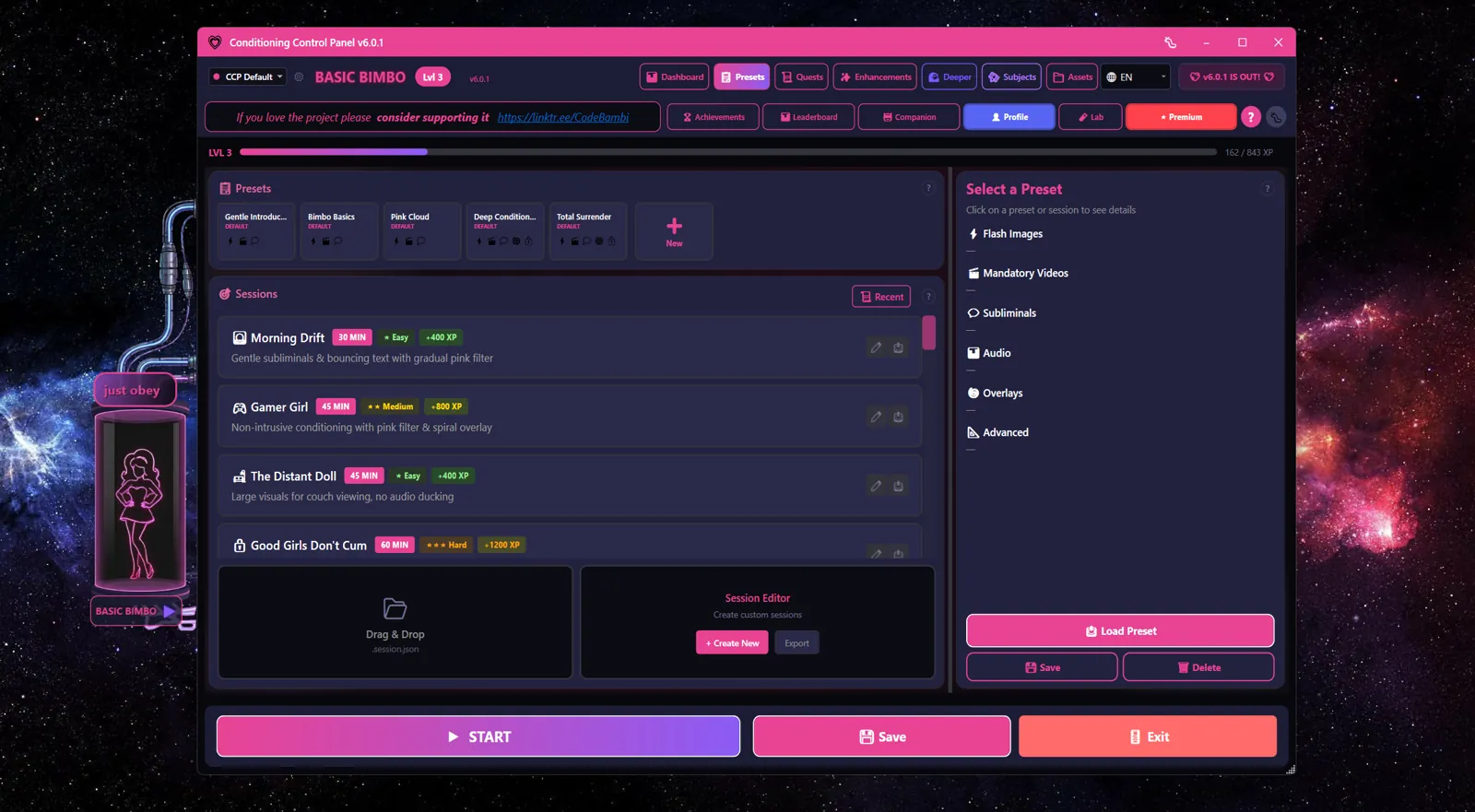
| Session | Length | Difficulty | What it is |
|---|---|---|---|
| Morning Drift | 30 min | Easy | Gentle subliminals and bouncing text with a gradual pink filter |
| Gamer Girl | 45 min | Medium | Quiet conditioning while you play, with pink filter and spiral overlay. Run your game in borderless windowed mode |
| The Distant Doll | 45 min | Easy | Large visuals for watching from the couch, no audio ducking |
| Good Girls Don't Cum | 60 min | Hard | An intense denial session with heavy conditioning |
What a session gives you
- A timeline. Features switch on and off at set points, so the session builds rather than sitting flat.
- Settings chosen for the job. Each session is tuned for its own scenario.
- Mystery by default. What a session will actually do is hidden until you ask to see it.
Starting a Session
- Open the Presets tab
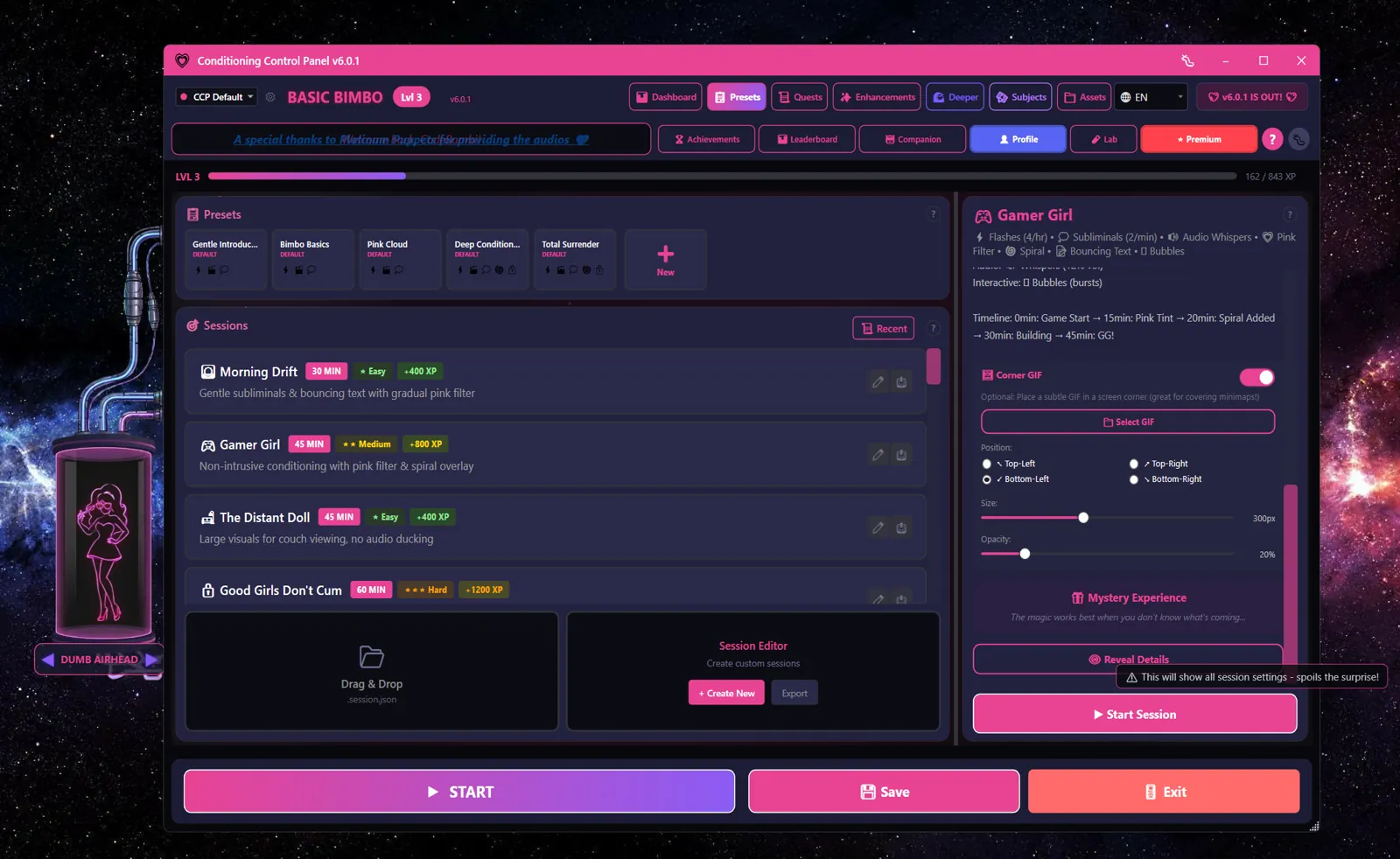
- Click a session. Its details appear on the right
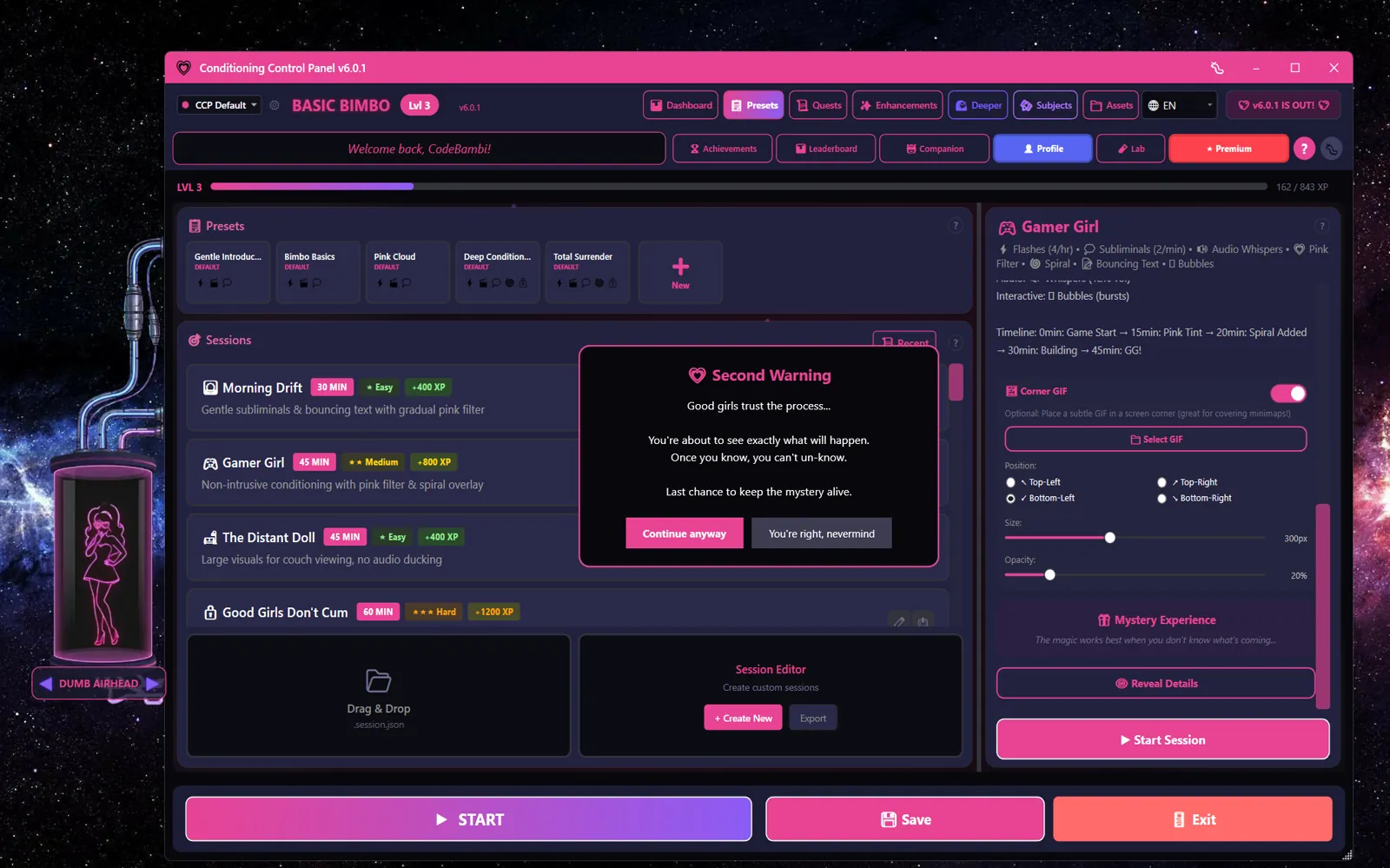
- Optional: click Reveal Details to see exactly what it will do. The app asks three times whether you are sure, because it is trying to protect the surprise
- Click Start Session and confirm
- It runs for its full length, changing settings as it goes
Before you start
• A session temporarily replaces your current settings.
• Your own settings come back when it ends, whether you finished it or not.
• The bonus XP only pays out if you reach the end.
While it runs
- The Start Session button becomes a countdown showing the time left, and reads
[Paused]when paused - Settings change on their own as the timeline moves
- The panic key pauses the session and stops everything. Press the same button to resume. Each pause costs 100 XP off your bonus
- Stop ends the session for good. You get no bonus at all, and the app warns you how much you are giving up before it does it
The panic key still works
A session is not a trap. Your panic key keeps working the whole way through, and pressing it pauses rather than ending things, so a pause costs you 100 XP and nothing else. If you want out entirely, use Stop. Your own settings are restored either way.
Custom Sessions
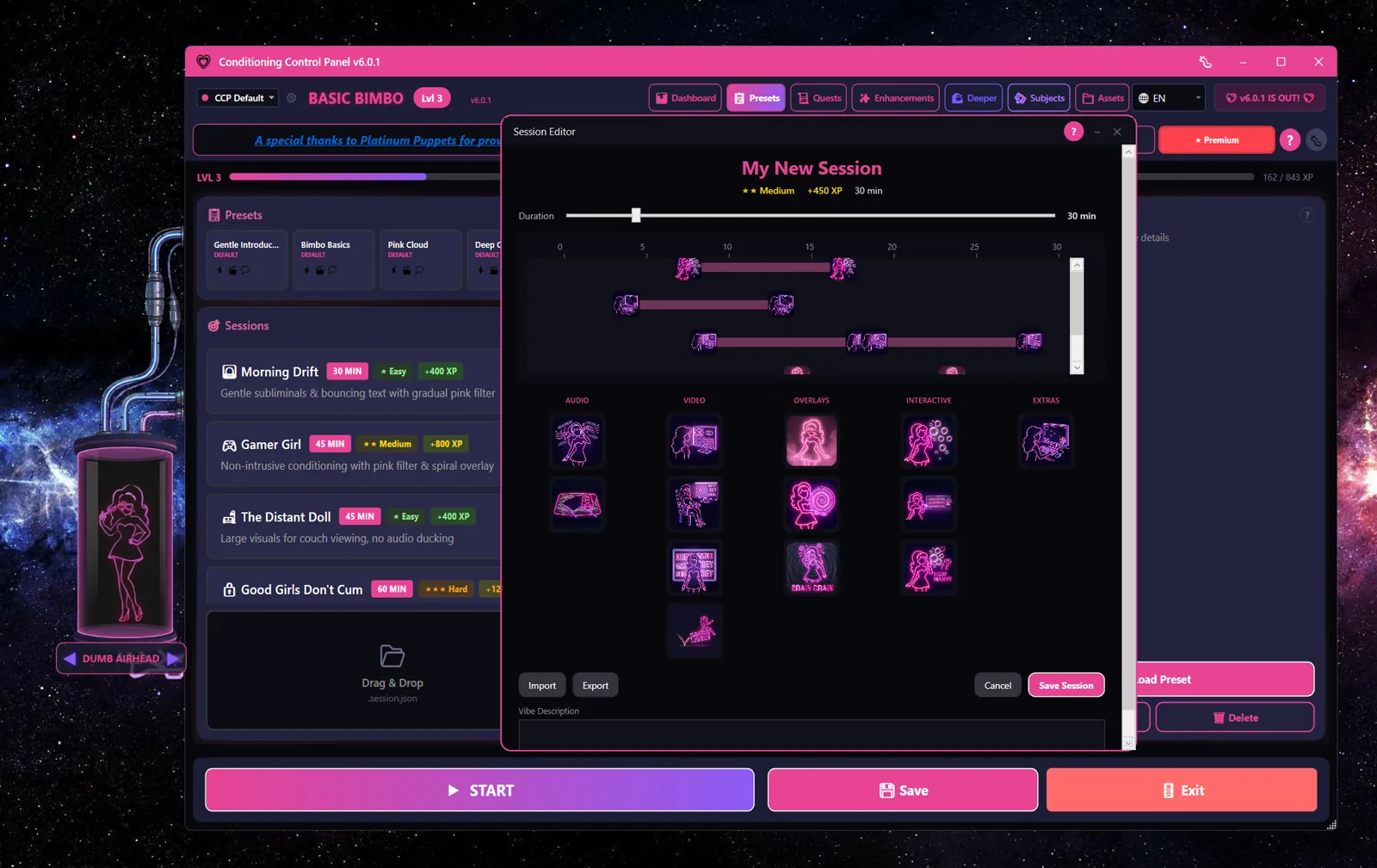
The Session Editor lets you build your own. It is a timeline, not a settings form: you drag features onto it and decide when each one runs.
Building one
- On the Presets tab, click + Create New
- Give it a name and a short Vibe Description
- Set the length with the duration slider (5 minutes up to 3 hours, in 5-minute steps)
- Drag features from the library onto the timeline. They are grouped as Audio, Video, Overlays, Interactive and Extras
- Drag a block's edges to change when it starts and stops. Right-click a block for that feature's own settings
- Click Save Session
Difficulty and XP are worked out for you
You do not pick them. The editor reads the length of the session and what you put on the timeline, then shows you the difficulty rating and the XP it will be worth. Add more, or make it longer, and both go up as you build.
Sharing and managing sessions
| Action | How it works |
|---|---|
| Import | Drag a .session.json file onto the drop zone, or anywhere in the app window. It gets checked and copied into your own sessions folder |
| Export | Saves a session out as a .session.json file you can send to someone. Works on the built-in sessions too |
| Edit | Reopens a session in the editor. Editing a built-in one does not overwrite it - you get a copy of your own to change |
| Delete | Removes a session you made or imported. The built-in four cannot be deleted |
Where sessions live
Built-in: assets\sessions\  (inside the install folder)
Yours:    %APPDATA%\ConditioningControlPanel\CustomSessions\
XP Bonuses
Finishing a session pays a bonus on top of the XP you earn during it. The base amount comes from the session's difficulty:
| Difficulty | Base bonus |
|---|---|
| Easy | 400 XP |
| Medium | 800 XP |
| Hard | 1,200 XP |
| Extreme | 2,000 XP |
What actually lands in your account is that base figure, minus 100 for every time you paused, scaled by your level multiplier, with a small extra bonus for time spent. So the numbers above are a floor to aim at, not an exact payout.
Sessions you build yourself work out their own value from how long they run and how much you put on the timeline, rather than reading it off this table.
Finish it or get nothing
The bonus only pays out if the session reaches its end. Stopping it early forfeits the whole thing. Pausing with the panic key is fine - that costs 100 XP and keeps the session alive.