 Conditioning Control Panel
The rest of the box.
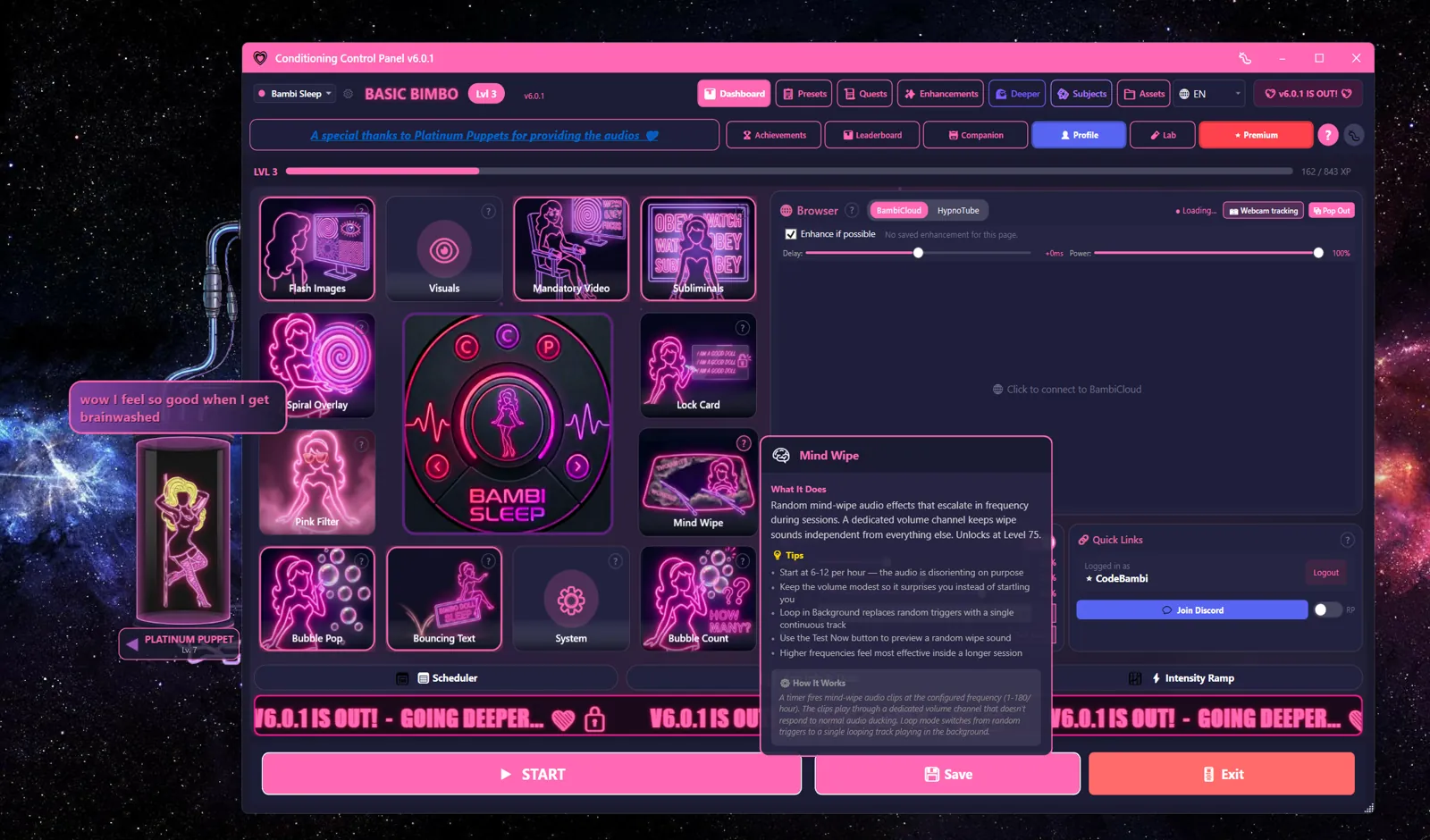
The dashboard covers the three premium heavies. This page is everything else: twelve core tools, free, no account, documented honestly - including the parts where I tell you to turn the settings down.
Everything below runs on top of whatever you are doing. The panic key stops all of it. That is not optional design, it is the design.
dir /all
12 entries found. 3 flagged as heavy machinery.
- flash_images.sysfree
- mandatory_videos.sysfree
- subliminals.sysfree
- mind_wipe.wavfree
- companion_chat.sysfree
- pink_filter.sysfree
- spiral_overlay.sysfree
- brain_drain.sysfree
- corner_gif.sysfree
- bubble_pop.sysfree
- bouncing_text.sysfree
- phrase_lock.sysfree
flagged: heavy machinery. documented on the dashboard, where the warnings are.
- blink_trainer.exe - webcam staring contest against a spiral. Blink early, get penalized.
- lockdown.exe - crimson takeover, 5 minutes to 4 hours, exit phrase included.
- awareness.exe - screen OCR that watches for keywords and fires action chains.
Twelve entries, six files.
Flash Imagesfree
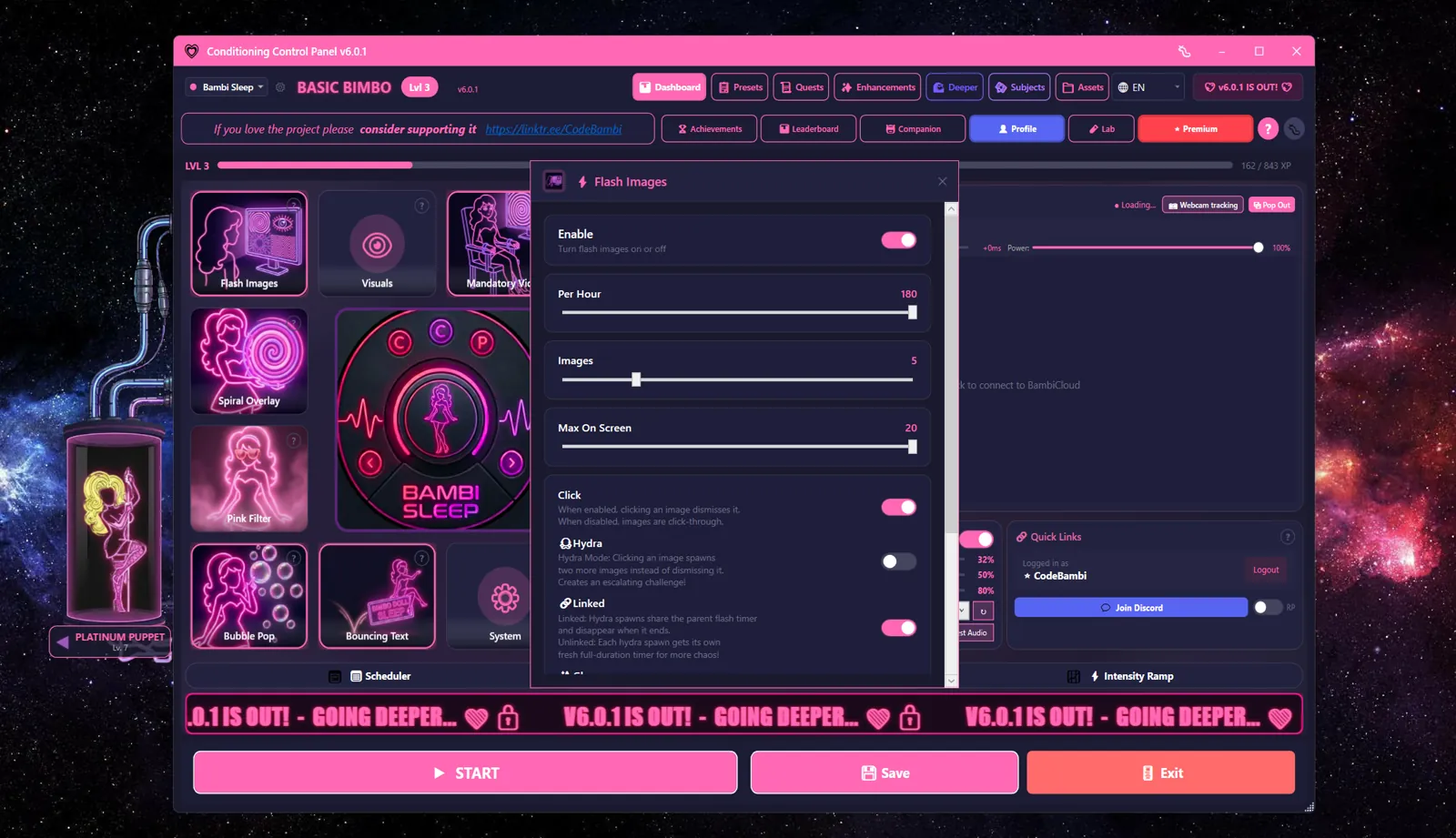
Random image popups, anywhere on screen, JPG and PNG and animated GIF. One to ten flash events per minute, up to fifteen images per event, hard cap of twenty on screen at once. Clicking one dismisses it for +5 XP. Unless Corruption mode is on, in which case clicking spawns two more. With Dual Mon enabled they spread across every connected monitor.
Corruption mode is the hydra. The Max On Screen cap is the only thing between you and wallpaper made of popups. Lower it before you raise it.
Mandatory Videosfree
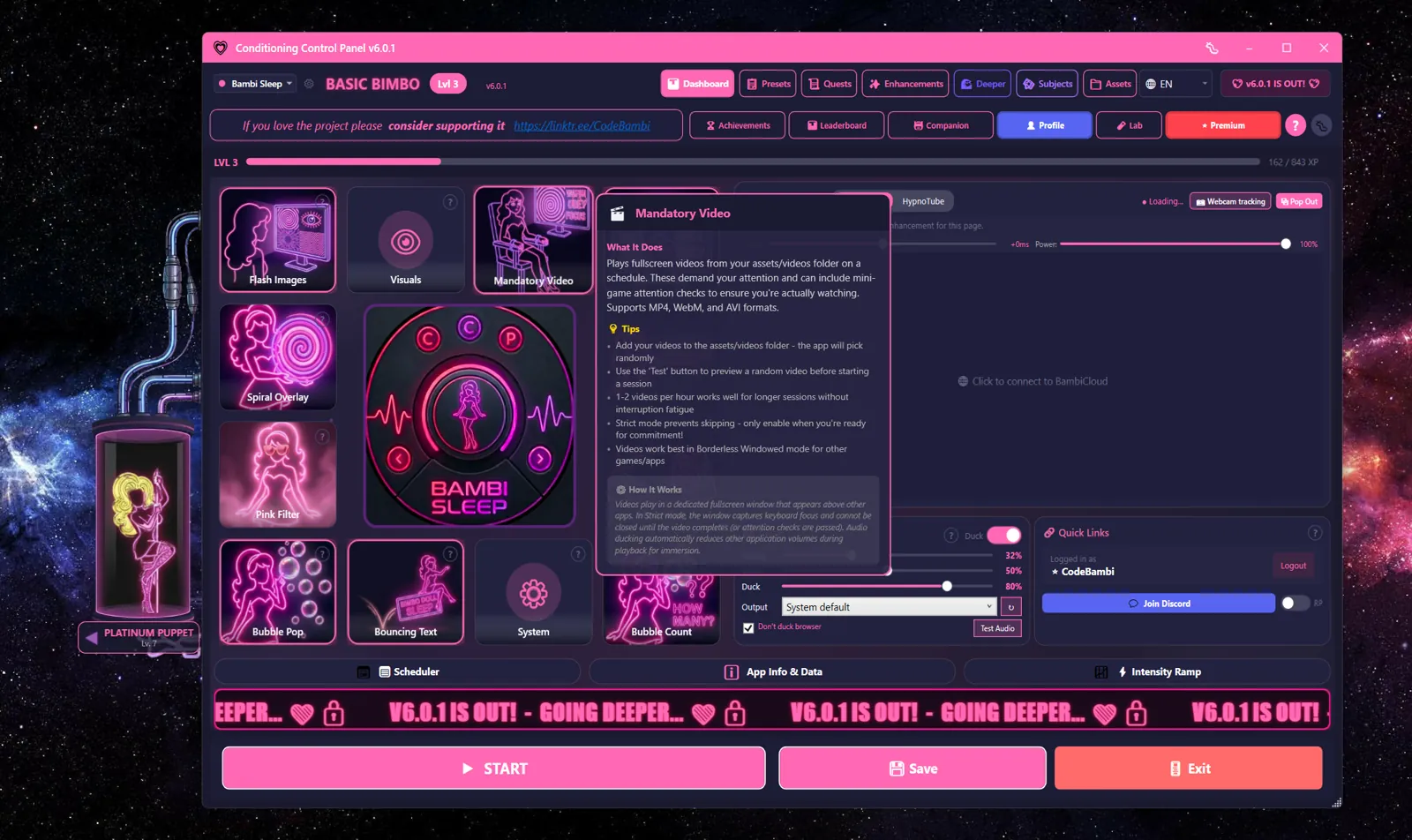
Fullscreen video on a schedule, one to twenty per hour, on your primary monitor. The window cannot be moved or minimized while it plays, and other apps get their audio ducked so you hear it. Watching one pays +20 XP. Attention checks put a phrase button at a random spot mid-video: click it before the timer runs out, +10 XP each. Miss three and the app awards you Mercy Beggar.
Strict Lock removes close, skip, and minimize until the video ends. It is behind a warning dialog that makes you check "I understand the risks", because you should.
Subliminals + Mind Wipefree
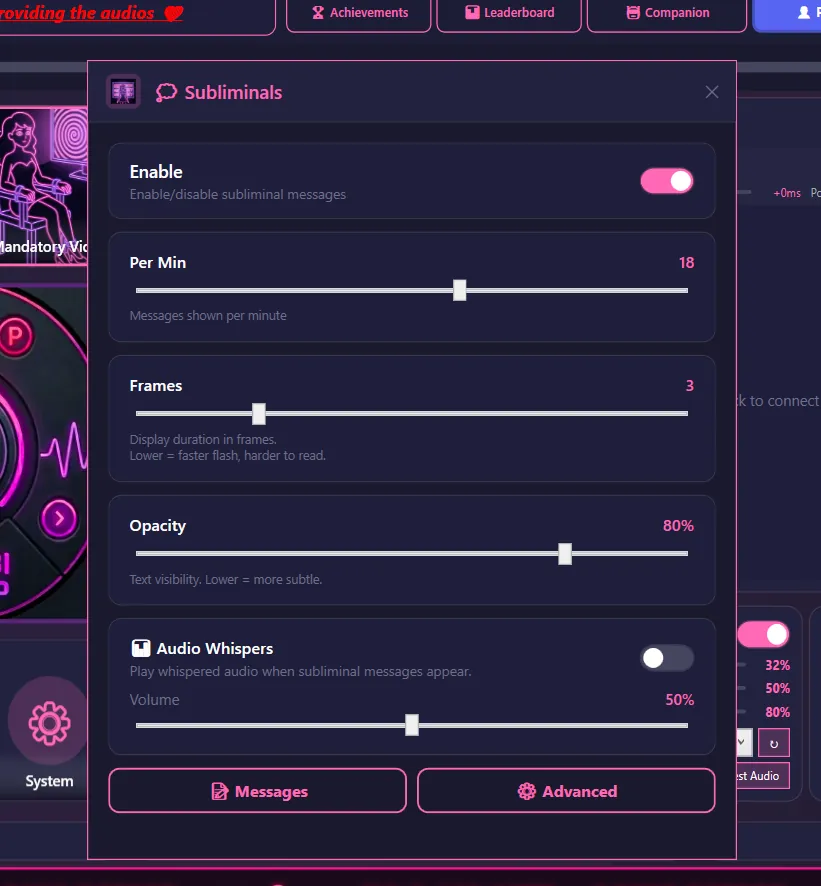
Text flashes, centered, one to thirty per minute, with a Frames setting that decides whether they are readable or just barely there. Drop a matching audio file in the whispers folder and the phrase arrives with a voice: "OBEY.mp3" plays for "Obey", case-insensitive. Ships with defaults like Obey, Submit, Listen, Drop, Relax. Fully editable. Mind Wipe adds periodic audio wipes on top, and both can sync to haptics over Lovense or Buttplug.io.
Whispers are only as good as your audio files. Short clips, one to three seconds, or it stops feeling subliminal and starts feeling like a podcast.
Companion Chatfreeai is patreon
Five companions, each with her own level cap of 100, her own XP mechanic, and her own personality. The sprite detaches from the main window and floats wherever you drag her, on any monitor. She idles, chatters, reacts, and in Trigger Mode she recites your phrase list on a timer, with whisper audio if the files exist. AI chat gives her an actual mouth: community personality prompts, or write your own system prompt per companion.
AI chat needs Patreon quota or a local model over Ollama. Local means no quota, no server, and nobody reading your chat logs, including me.
Screen Dressingfree
Four tools that recolor the room instead of interrupting it. Pink Filter tints the whole screen at whatever opacity you can still work through. Spiral Overlay puts a slow hypnotic spiral over everything. Brain Drain is a progressive blur with adjustable intensity, and Corner GIF parks a small animated loop in the corner as a standing reminder. Takeover Mode likes to pulse these on its own for thirty seconds at a time.
All four sit on top of whatever you are doing, including your actual job. The panic key clears every overlay at once.
Interruptionsfree
Three tools that want your hands, not just your eyes. Bubble Pop floats bubbles across the screen and pays XP with combo streaks for popping them. Bouncing Text sends your trigger words drifting around like the DVD screensaver you used to stare at anyway. Phrase Lock locks the screen behind a typed passphrase: type it correctly, get your monitor back.
Phrase Lock means exactly what it says. Pick a phrase you can actually type under pressure.
Why the small ones matter
The heavies get the screenshots, but the twelve above are the actual conditioning loop: ambient dressing, scheduled interruptions, and a companion narrating the whole thing. Everything is a la carte. Turn on two tools or all twelve, the app does not judge. It does keep score, though. That is what the XP system on the dashboard is for.